

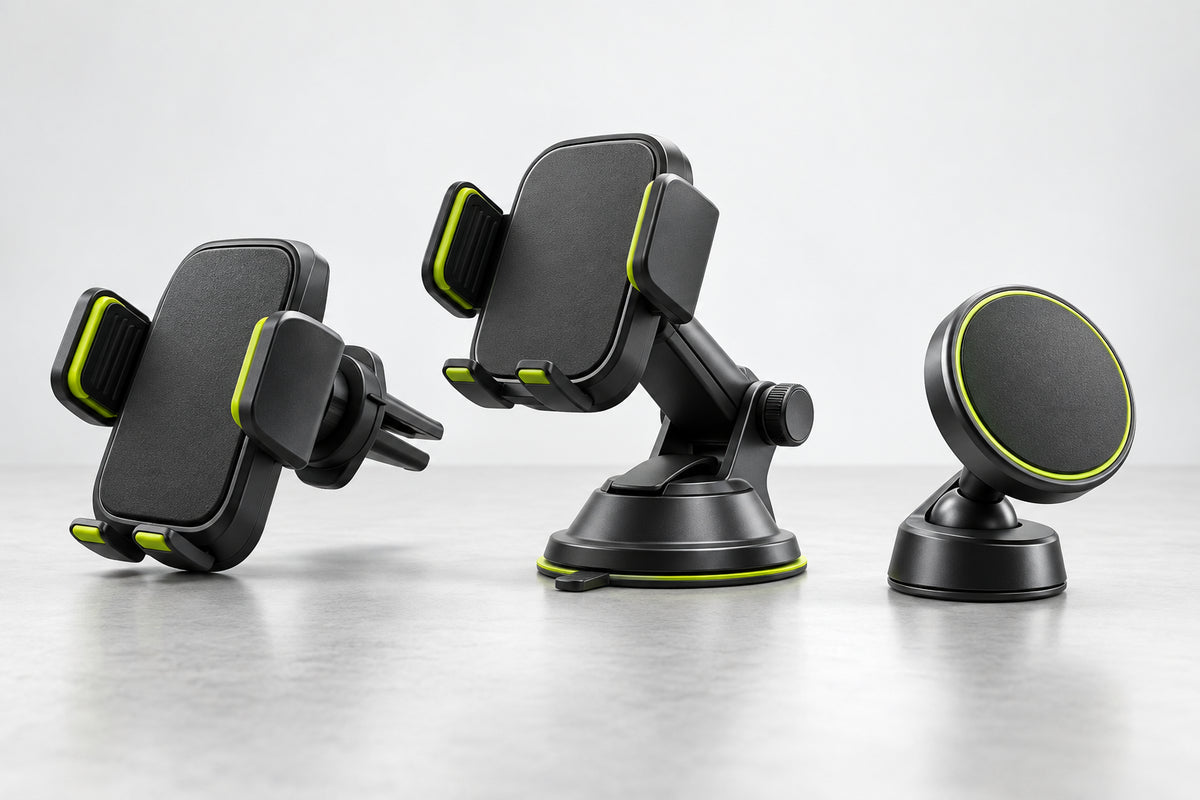
A good car phone mount keeps navigation in view, your hands on the wheel and your phone from flying across the cabin at the first pothole. A bad one sags, rattles, blocks a vent or drops the phone in the footwell. The right choice depends on your car's layout, your phone and whether you want to charge while you drive.
This guide compares every common type so you can pick with confidence. Browse the GripLux phone mount collection as you read.
What makes a good car mount
Whatever style you choose, judge it on five things:
- Stability. The phone should not bounce or droop on rough roads.
- Visibility. The screen should sit near your line of sight without blocking the road.
- Convenient use while parked. Check that you can secure and remove the phone without awkward handling before you drive.
- Heat. Phones running navigation, bright screens and charging get hot. Placement can make it better or worse.
- Charging. Built-in wireless charging is convenient but needs good alignment.
Always check local laws. Many places restrict where devices can be mounted on the windshield and how drivers may interact with them.
Air vent mounts
Vent mounts clip onto a horizontal or round air vent blade.
Pros - Compact and easy to install. - Sits at a good height in many cars. - In summer, air conditioning can help keep the phone cool.
Cons - Heavy phones can make thin vent blades sag or break. - In winter, hot air from the heater blows straight onto the phone, which can trigger overheating and slow charging. See phone overheating while charging. - Does not work with some vent designs.
Best for: lighter phones and cars with sturdy horizontal vents. Look for a hook-style clip that grips behind the vent blade.
Dashboard mounts
Dash mounts stick to the dash with an adhesive pad or a suction cup on a base plate.
Pros - Very stable when properly installed. - Flexible positioning, usually close to eye level. - Keeps the phone out of heater airflow.
Cons - Adhesive can be hard to remove and may mark soft-touch dashboards. - Textured or curved dashboards make suction less reliable. - Can get hot sitting in direct sun.
Best for: drivers who want a permanent, rock-solid position.
Windshield mounts
These use a suction cup on the glass, often with a long arm.
Pros - Strong suction on smooth glass. - Puts navigation near your line of sight.
Cons - Long arms vibrate. - Can block your view and may be restricted by law. - Suction weakens in heat and cold, and the phone sits in full sun.
Best for: trucks and vans with deep dashboards, where other options do not reach.
Cup holder mounts
A base expands to fit the cup holder, with a gooseneck arm.
Pros - No adhesive or clips. Easy to move between vehicles. - Very stable base.
Cons - Low position means looking down and away from the road. - Uses up a cup holder.
Best for: work vehicles, rentals and people who swap cars often.
MagSafe and magnetic mounts
Magnetic mounts attach to the back of a MagSafe iPhone or any phone in a magnetic case. They can sit on a vent, dash or windshield base.
Pros - Fastest one-hand mounting of any type: just bring the phone close. - Easy to rotate between portrait and landscape. - Many include MagSafe-style wireless charging with automatic alignment.
Cons - Hold strength depends on magnet quality and your case. A thick non-magnetic case or a wallet can ruin the hold. - Wireless charging adds heat. A cooling fan or a vent position helps.
Best for: iPhone 12 and newer, or any phone with a magnetic case. Not sure your phone has it? See does Samsung have MagSafe.
Quick comparison
| Mount type | Stability | Visibility | Heat risk | Easy to move |
|---|---|---|---|---|
| Air vent | Medium | Good | High in winter | Easy |
| Dashboard | High | Very good | High in sun | Hard |
| Windshield | Medium | Very good | High in sun | Medium |
| Cup holder | High | Fair | Low | Very easy |
| Magnetic | Depends on case | Good | Medium with charging | Easy |
Charging in the car
A mount is only half of a good car setup. You also need a capable charger.
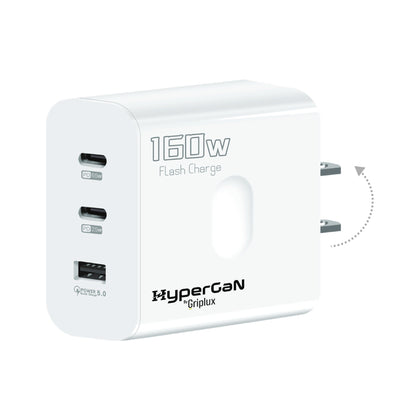
- Use a USB-C PD car charger rated at least 20 W for phones, more if you charge two devices. Shop GripLux chargers.
- If the phone charges slowly or not at all, check the cable and port first. Our car charger not working page walks through fixes.
- For a full walkthrough, see our car charging setup guide.
Cases and mounts: make them work together
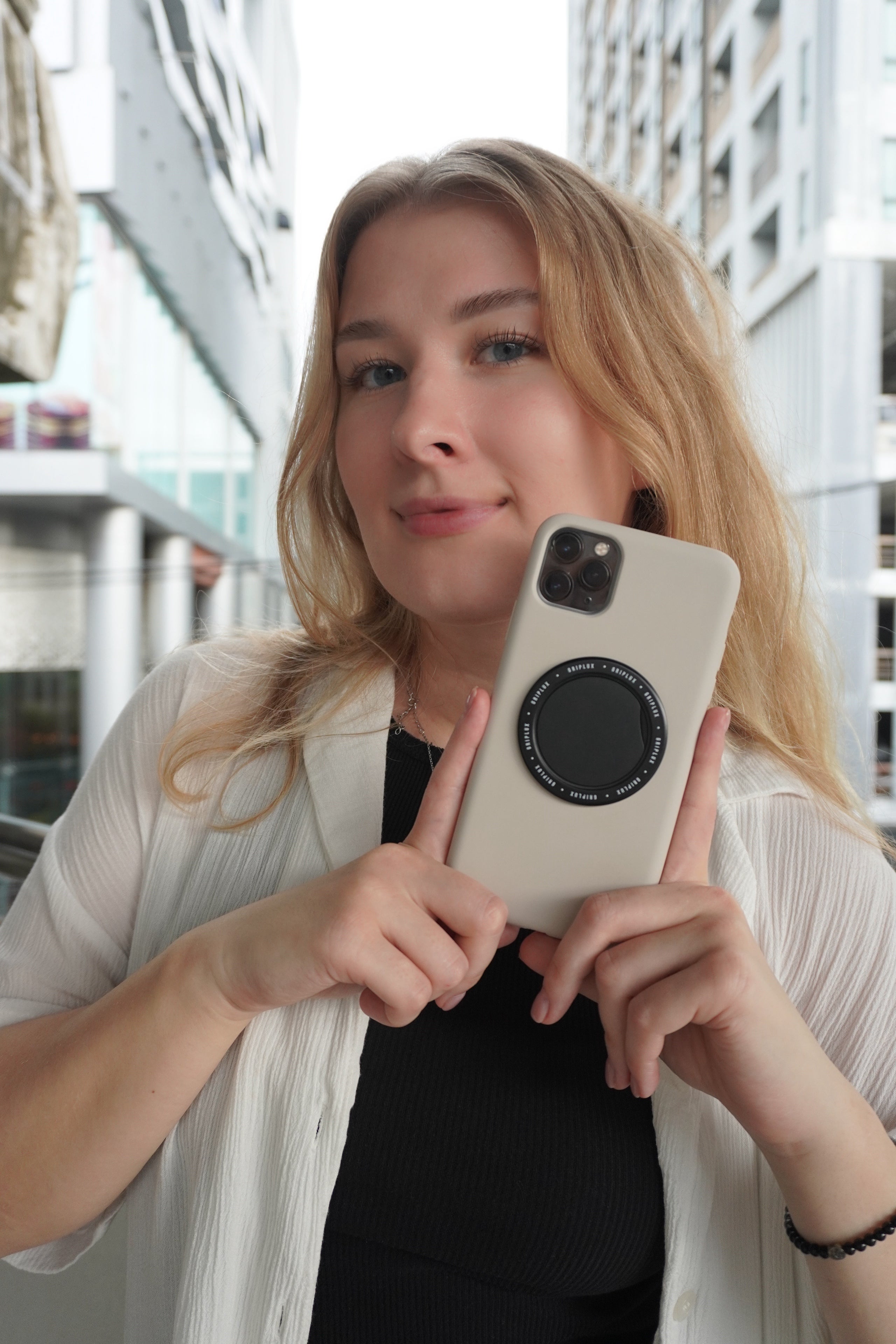
- Magnetic mounts need magnetic cases. A GripLux MagSafe case keeps alignment and hold strength.
- Grips and rings can interfere. Some grips block clamp-style mounts. A detachable magnetic grip from our grips and stands collection can be removed before mounting.
- Very thick rugged cases may not fit narrow clamp jaws. Check the clamp range.
Installation tips
- Sit in your normal driving position before choosing the spot.
- Clean the surface with an alcohol wipe before applying adhesive or suction.
- Let adhesive cure for the time the maker recommends before mounting a phone.
- Route the charging cable so it cannot tangle with the gear selector or steering wheel.
- Check the mount's installation and grip while safely parked, following its instructions. Do not deliberately seek rough roads to test it or adjust it while driving. Set navigation before departure; FMCSA guidance advises setting the route before the vehicle is moving.
Mounts for different vehicles
Compact cars: dash space is limited, so a low-profile vent or magnetic vent mount usually fits best.
SUVs and crossovers: large flat dashboards suit adhesive dash mounts placed to the right of the steering column.
Trucks: deep dashboards and rough roads favor sturdy dash or cup holder mounts with short arms that vibrate less.
Rideshare and delivery drivers: the phone is on all shift, so heat and charging matter most. A magnetic mount near a cooling vent, a fast car charger and a spare cable in the glovebox keep you working.
Rentals and shared cars: a cup holder mount or a clip-on vent mount moves with you and leaves no marks.
Keeping your mount working
Wipe magnetic surfaces and clamp pads now and then, since dust reduces grip. Re-seat suction cups each season, because heat and cold loosen them. Check vent clips for cracks after winter. If your magnetic hold starts to feel weak, test the phone without its case: a worn or non-magnetic case is usually the cause, not the mount.
Frequently asked questions
Can a magnetic mount interfere with my phone? Compatibility depends on the phone, case and mount. Apple's camera troubleshooting guidance says to remove accessories that place a magnet near the camera when investigating image problems. Follow the instructions for your exact device and accessory rather than treating every magnetic mount as harmless.
Why does my phone overheat on the mount? Usually sun, heater air or wireless charging. Move the mount out of direct sun, avoid hot vents and use cable charging on long trips.
Which mount is best for big phones? A dashboard or cup holder mount with a sturdy clamp, or a strong magnetic mount with a magnetic case.
The bottom line
Choose a vent mount for simplicity, a dash mount for stability, a cup holder mount for portability and a magnetic mount for speed. Pair it with a fast car charger and a case that works with the mount. Explore the GripLux phone mount collection to build a setup that holds up on every road.


How to Choose a Power Bank: mAh vs Wh, Real Capacity and Charging Speed