

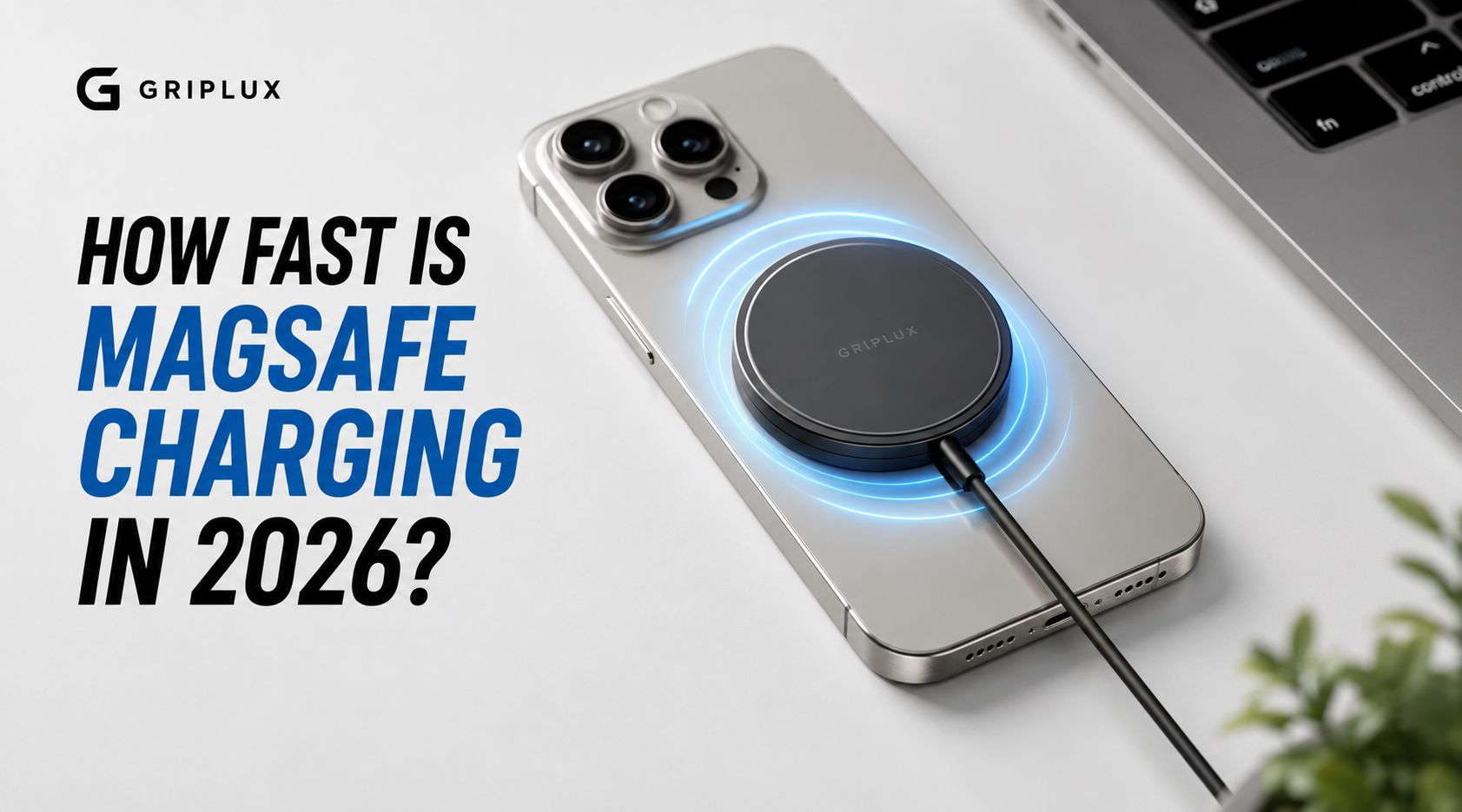
You set your phone on a MagSafe charger expecting it to fill up fast, and an hour later it barely moved. Before you assume the charger is broken, it is worth understanding what actually controls MagSafe speed, because the puck itself is only one piece of the equation.
Quick answer: MagSafe charges at up to 15W on iPhone 12 through 15, and up to 25W on iPhone 16 and newer, but only if you are using a charger and power adapter rated high enough to support it. A weak adapter, a non-certified charger, or a warm phone can all slow that speed down significantly.
Why MagSafe Speed Varies So Much
MagSafe is not one fixed speed. It is a negotiation between three things: the phone, the charging puck, and the power adapter feeding that puck. If any one of those three is underpowered or uncertified, the whole chain slows down to match the weakest link.
That is different from wired charging, where the cable is a direct connection with far less variability. Wireless power transfer relies on an electromagnetic field between two coils, and that process is naturally less efficient and more sensitive to alignment, heat, and equipment quality.
What Determines Your Actual Charging Speed
-
Your iPhone model. iPhone 12 through 15 top out at 15W over MagSafe. iPhone 16 and newer can reach 25W, but only with the right charger and adapter combination.
-
Your power adapter's wattage. A 15W MagSafe charger paired with a weak 5W adapter will not reach 15W, it will bottleneck at whatever the adapter can supply. You generally need a 20W or higher adapter for full 15W speed, and 30W or higher to unlock 25W on supported iPhones.
-
Whether the charger is certified. A genuine MagSafe or Qi2 certified charger reaches its full rated speed. Uncertified "MagSafe compatible" magnetic chargers often cap out around 7.5W, roughly half the speed of certified options.
-
Heat. Wireless charging generates more heat than wired charging, and phones throttle their charging speed as they warm up to protect the battery. This is why charging can feel fast for the first stretch and then noticeably slow down later.
A Real Example
Say you buy a budget magnetic charger online because it looks similar to a MagSafe puck and costs less. It might attach fine and even show a charging icon, but if it is not Qi2 or MagSafe certified, you could be charging at 7.5W instead of 15W or 25W, roughly doubling the time it takes to fill up.
Now pair a properly certified MagSafe charger with a low wattage adapter left over from an older phone. Even though the puck itself supports 15W, the adapter might only supply 10W, so that is the speed you actually get. The puck was never the bottleneck, the adapter was.
Why the "Up to" Number Rarely Tells the Whole Story
Chargers are almost always marketed by their peak number, the 15W or 25W printed on the box. That number represents the best case scenario: a cool phone, a low starting battery percentage, and every component in the chain rated for full speed. In practice, charging speed drops off well before 100%, since phones slow the rate as the battery fills to protect long term health. The last 20% of a charge almost always takes longer than the first 20%, regardless of the charger.
This is worth knowing before assuming a charger is underperforming. A MagSafe puck that charges fast from 10% to 50% and then visibly slows down after that is working exactly as intended, not malfunctioning.
MagSafe vs Wired vs Basic Wireless
|
Charging Method |
Typical Speed |
Notes |
|---|---|---|
|
Basic Qi (uncertified) |
Up to 7.5W |
Slowest, no alignment guarantee |
|
MagSafe (iPhone 12 to 15) |
Up to 15W |
Requires 20W+ adapter |
|
MagSafe/Qi2 (iPhone 16 and newer) |
Up to 25W |
Requires 30W+ adapter |
|
Wired USB-C PD |
Varies by phone, often faster |
Least affected by heat or alignment |
Getting the Full Speed Out of MagSafe
-
Match your adapter to your charger. A high-speed MagSafe puck cannot exceed what your adapter can supply, so check both ratings, not just one.
-
Keep the phone cool while charging. Removing a thick case, avoiding direct sunlight, and not charging while gaming all help maintain top speed for longer.
-
Check for certification, not just the magnet ring. Any charger with magnets can claim to be "MagSafe compatible," but only certified chargers reliably hit the higher wattage tiers.
-
A high-output charger like the HyperGaN 160W Charger gives you more than enough power headroom to feed a MagSafe puck at its full rated speed, since the adapter side is rarely the limiting factor with that much available wattage.
Frequently Asked Questions
Is MagSafe charging as fast as plugging in a cable?
Generally no. Wired USB-C charging tends to be faster and more consistent, since it does not lose energy to heat the way wireless power transfer does. MagSafe trades some speed for the convenience of not plugging in a cable.
Does every iPhone support 25W MagSafe charging?
No. 25W speeds are limited to iPhone 16 and newer models paired with a Qi2 certified charger and a 30W or higher adapter. Earlier models top out at 15W.
Why does my MagSafe charger feel slow even though it is rated for 15W?
The most common reasons are an underpowered adapter, a thick or heat trapping case, or an uncertified charger that only actually delivers 7.5W despite looking similar to a genuine MagSafe puck.
Can a phone case slow down MagSafe charging?
A properly designed MagSafe compatible case should not meaningfully slow charging. Very thick cases or ones containing metal can interfere with alignment and efficiency, which is why MagSafe specific cases are built with charging in mind.
Do I need a special adapter for MagSafe, or does any USB-C adapter work?
Any USB-C Power Delivery adapter with enough wattage will work. The key is matching the adapter's output to what your MagSafe charger and iPhone can actually use, generally 20W or higher for 15W speeds and 30W or higher for 25W speeds.
The Bottom Line
MagSafe charging speed depends on more than just the charging puck. Your iPhone model, power adapter, charger certification, and even heat all play a role in how quickly your phone charges. Understanding how these pieces work together helps you get the fastest and most reliable charging experience.
If you're building a complete MagSafe setup, explore Griplux's collection of MagSafe-compatible cases, phone grips, and HyperGaN chargers designed to work seamlessly with your everyday charging routine.
Share:
Deep Purple Phone Case: Which Griplux Style Fits You?
Best Uses for a Floating Phone Pouch: Beach, Pool, and Boat Days