


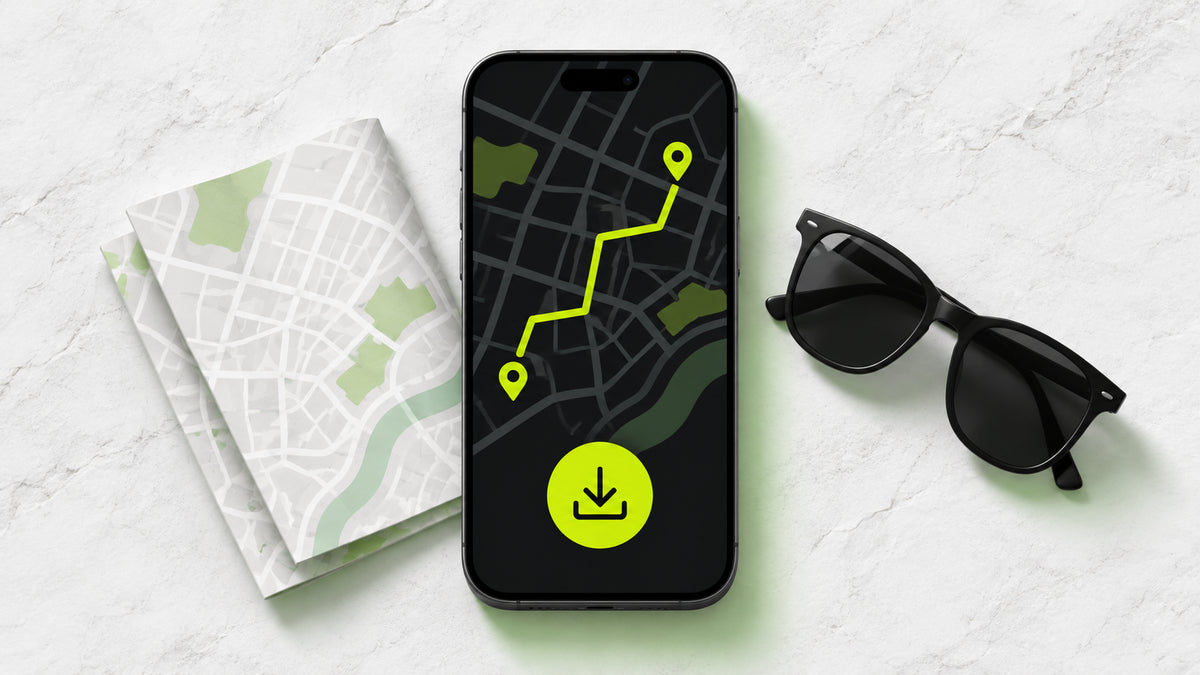
A trip is easier to prepare for at the kitchen table than outside a station with an uncertain connection. Downloading a map before you leave is one useful part of that preparation, but the download is only the beginning. The real question is whether the saved area covers the places you will actually need.
This guide focuses on a practical pre-trip routine for iPhone users. It does not replace local directions, current travel information or a suitable navigation plan for remote areas.
Save the area before departure
Apple supports offline maps in Maps on iOS 17 and later, in select areas. In Maps, search for a place, open its result and choose Download, or More followed by Download Map. Adjust the area and start the download. Maps shows the estimated file size first.
You can review saved areas by opening your picture or initials in Maps and selecting Offline Maps. Apple provides controls to rename or resize a map. Its Only Use Offline Maps setting lets you try the downloaded map even with an internet connection. Offline maps do not sync across devices, so prepare the phone you will actually carry.
Menus can differ with software versions. If your screen does not match, use Apple's current instructions rather than searching for a button that may have moved.
Draw the trip before choosing the download boundary
Write down the places that anchor your visit: arrival station or airport, accommodation, event venue and departure point. Add any location where you expect to meet someone. This short list is often more useful than starting with an enormous map of an entire region.
Now compare the list with the selected download area. A hotel inside the rectangle is not enough if your arrival station is outside it. Look along the connections between places, not just at the pins. Allow room for the ordinary variations you are already considering, such as a second station or an alternative neighborhood for dinner.
Do this while you have time to change the selection. A deliberate boundary is better than discovering halfway through planning that you saved the center of the city but not your destination on its edge.
Run a short rehearsal
Once the download finishes, find it in the saved-map list. Open the destinations from your trip notes and check that they are the intended places. Similar names, multiple entrances and branches of the same business can create confusion even when the map itself is working.
Use the offline-only option to rehearse the tasks you expect to perform. Can you locate the arrival point? Can you find the street near your accommodation? Is the venue the right one? This is a check of your preparation, not a promise that every situation on the journey will be covered.
When finished, review whether you want to leave that setting on. Return to your usual configuration deliberately rather than forgetting a change made solely for the test.
Keep arrival details outside the map
A map and an arrival plan serve different purposes. Keep a short note containing the destination's written address, the entrance you were told to use and the meeting instructions supplied by your host or venue. Confirm those details with the original booking or official information rather than reconstructing them from memory.
If useful, keep a printed copy of the basic address and meeting details. Avoid putting passwords, door codes or sensitive booking information into a public shared note. A travel companion may need the meeting place without needing every detail of your reservation.
For an unfamiliar venue, add a plain description such as “meet at the reception entrance specified in the booking.” Do not invent an entrance or assume a map pin identifies the correct door.
Prepare the phone, not just the app
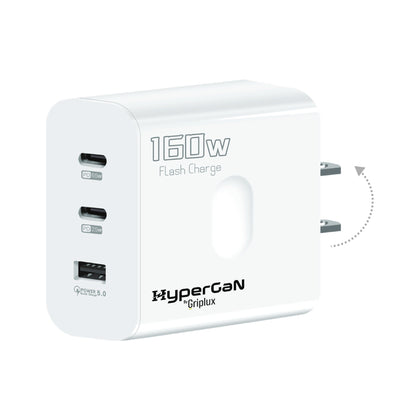
Set aside the phone and the charging equipment you already use for it. Check that you packed the actual cable you need rather than a visually similar spare. If you use a stand for planning, arrange it so the screen is readable while you compare your itinerary and map.
Our GripLux Luxi Snap Grip product page lists that accessory's details; review compatibility before considering an addition to your setup. You do not need a new accessory to complete this routine. The goal is to leave with a usable phone and a clear plan.
Complete setup while stationary. If driving is part of the trip, handle route review before setting off or after stopping safely, not while moving.
Finish with a departure card
Write five quick checks: correct phone, download finished, area reviewed, destinations checked, arrival note available. Keep the card with your packing list and revisit it before departure, especially if the itinerary changes.
A saved map is a useful backup, not evidence that travel conditions, opening hours or access arrangements are unchanged. Check consequential details with their current official sources. The best preparation combines the downloaded area with a small amount of carefully verified information you can understand at a glance.


Make iPhone Text Easier to Read: Text Size, Bold Text and Display Zoom
Simplify Your iPhone Control Center Around the Controls You Use