

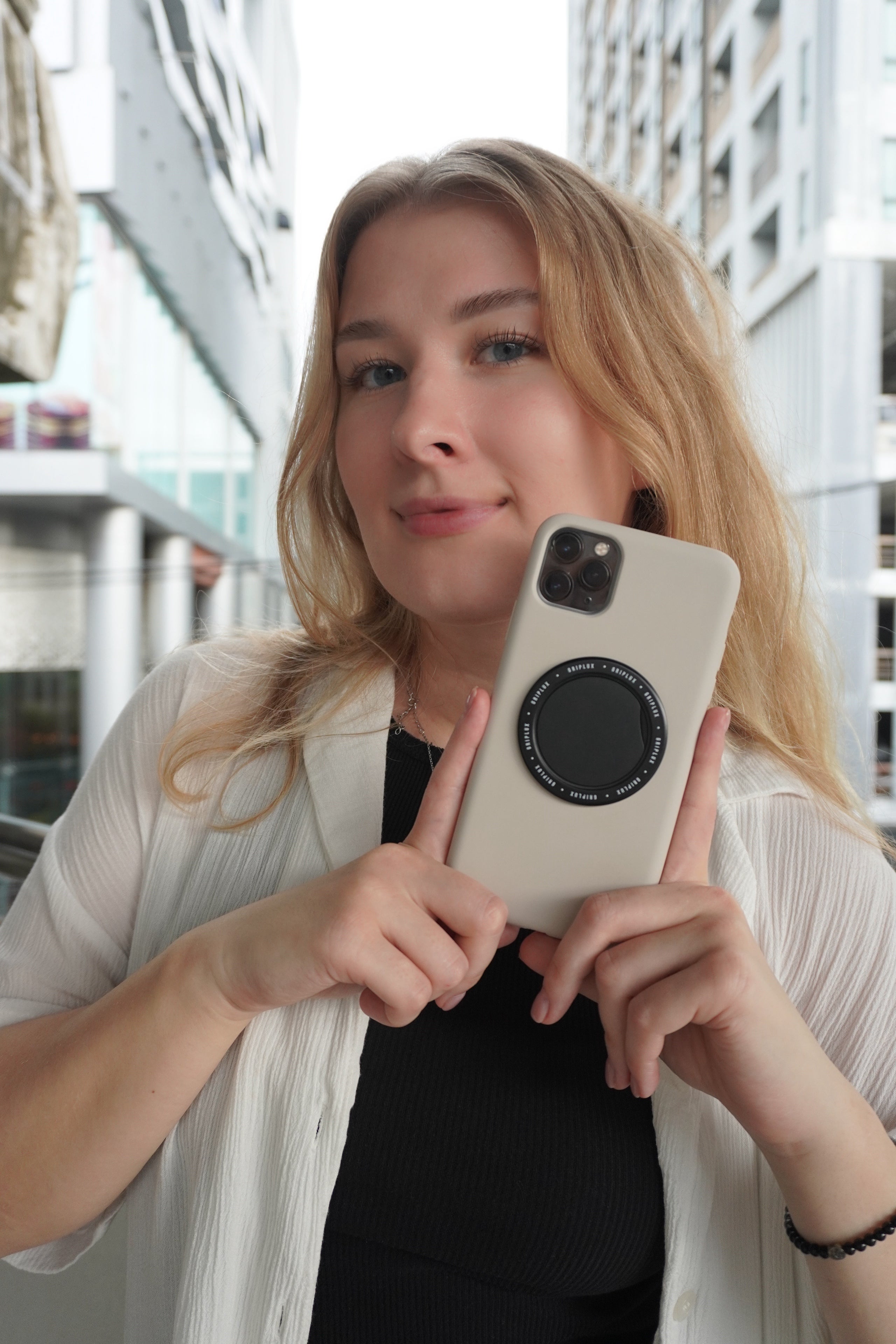
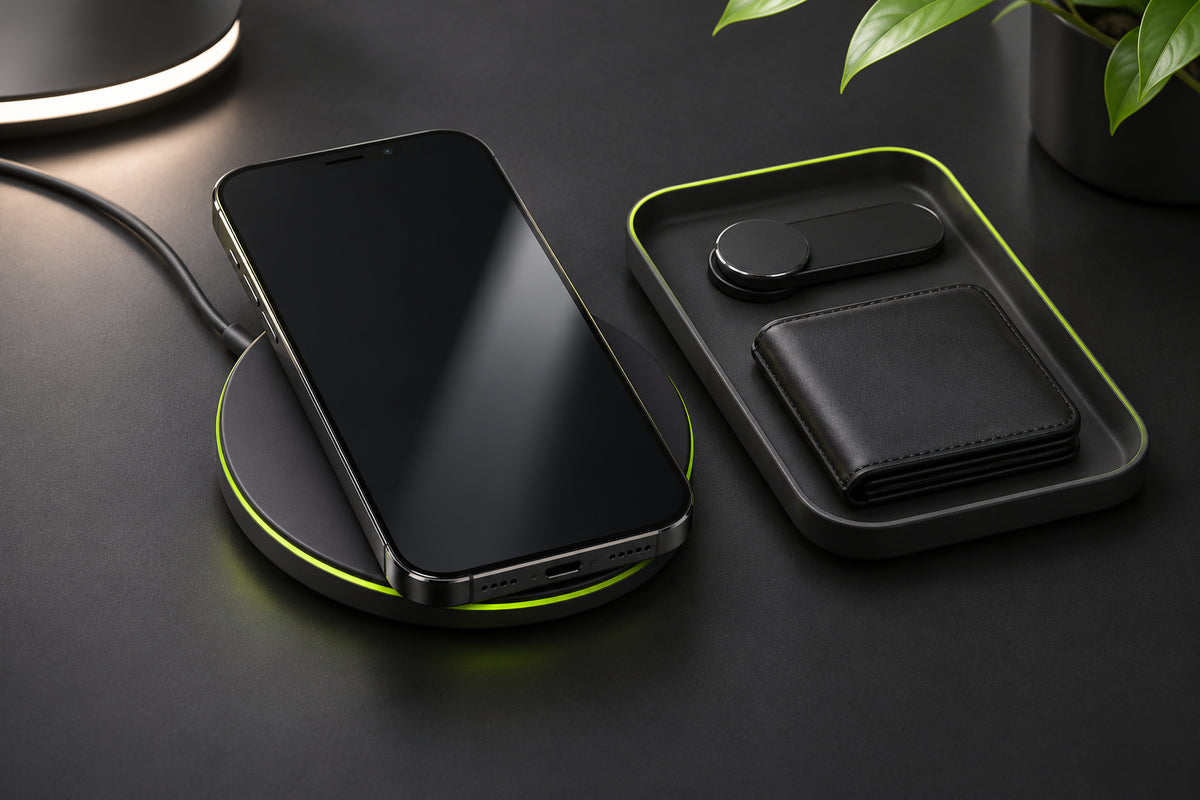
A wireless charging spot works better as a small routine than as a pile of accessories. You arrive home with a phone, perhaps a magnetic grip or wallet, and a few things in your pockets. If everything lands on the same pad, it becomes easy to mistake “put down” for “actually charging.”
You do not need a new desk or a complicated station. Give the charger a clear position, give detachable accessories a different position, and make checking the phone's charging indicator part of the handoff. The details depend on your actual phone, case and charger; magnetic attachment alone does not establish charging compatibility.
Give the charger its own space
Choose the location recommended by its manufacturer, with the intended power adapter and cable. Keep the charging surface clear rather than using it as a catch-all for keys, coins or cards. Arrange the cable so ordinary desk use will not pull the charger out of position.
For an iPhone using a Qi charger, Apple's wireless charging instructions recommend a level surface or another manufacturer-approved location, the recommended adapter, and correct phone placement. They also tell you to look for the charging indicator after placing the phone. Follow the instructions for your particular charger rather than assuming every pad uses the same alignment.
A decorative tray can organize nearby belongings, but it is not automatically an approved mounting surface or enclosure for a charger. Keep the charger arranged as directed, not buried under fabric or tucked into a closed box for a cleaner photograph.
Create a separate accessory home
Put a small tray beside—not on—the charging surface. Use it for a detachable grip, physical wallet or other item that needs to come off before your documented charging setup can work. That makes removal a deliberate step instead of leaving the piece wherever your hand happens to reach.
The tray should be large enough to see its contents without stacking everything. If two people share the area, give each person's accessories a distinct place. This is an organizational suggestion, not a claim that a particular tray material changes charging performance.
The Luxi Snap Grip is a detachable magnetic grip and stand. Check its current instructions and your complete phone-and-charger combination. Do not assume that a grip being thin, magnetic or easy to attach means it should stay between the phone and a charging surface.
Keep physical cards out of the charging sandwich
A physical wallet and the Wallet app are different things. This check concerns objects attached to or stored behind the phone, not removing payment cards from your digital account.
Apple's MagSafe Charger guidance says not to place credit cards, security badges, passports or key fobs between the iPhone and charger because their magnetic strips or RFID chips might be damaged. Its guidance also addresses cases that hold these items. Remove or position them as directed before charging; do not try to establish safety by seeing whether a card still scans afterward.
If an accessory is adhered, locked or otherwise not intended for routine removal, do not pry it off. Ask its maker which charging arrangement it supports. A wired charging option may be more suitable for some setups, but use the phone and accessory instructions to decide.
Check the result, not just the placement
After setting down the phone, look for its charging indication. If it does not appear, check the ordinary setup details in the manufacturer's troubleshooting instructions: power connection, recommended adapter, placement and any case or accessory restrictions.
Change one thing at a time when practical. A note such as “indicator appeared after centering the phone” is more useful than changing the cable, case, adapter and position together and then naming one as the cause.
Do not repeatedly reposition a damaged charger or improvise repairs to make a test work. Stop using visibly damaged equipment and follow the manufacturer's support route. A neat station is not an electrical safety inspection.
Make leaving just as easy as arriving
Before leaving, pick up the phone and then the accessory from its assigned place. Reattach it according to its instructions and check that it is properly seated before relying on it. Avoid using a hurried one-handed grab as a test of magnetic retention.
If you regularly forget a wallet or badge, the separate tray can make the item visible without leaving it on the charger. Keep access badges and identifying details out of public photographs of your setup.
Use a three-step routine
- Separate: remove detachable items when the instructions require it and put them in their own place.
- Place: position the phone on the clear charger as directed.
- Confirm: check the charging indicator before walking away.
Keep the routine small enough to repeat. Its purpose is not to promise a particular charging speed or battery result. It is to reduce avoidable confusion between an accessory being attached, a phone resting on a surface, and a phone actually charging.
Cover: original conceptual illustration; it does not depict or certify a specific charger-and-accessory combination.
Blurry iPhone Photos? Check the Lens and Accessories Separately
Set Up a Hands-Free iPhone Group Photo Before Starting the Timer